
Ever want to add a new font to use in your designs? It’s really easy – here’s how. These directions are for Windows but I can do a Mac version later if you like.
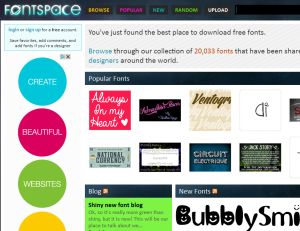
If I’m looking for a new fort for a particular project (or just for fun) I start at Fontspace. Lots of designers contribute to it and you’ll see fonts from beautiful to weird.
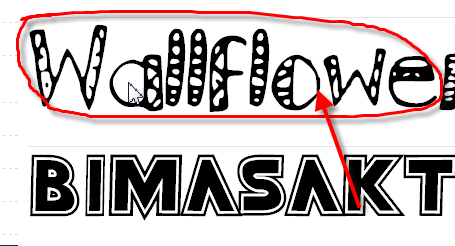
 I found one I like called Wallflower.
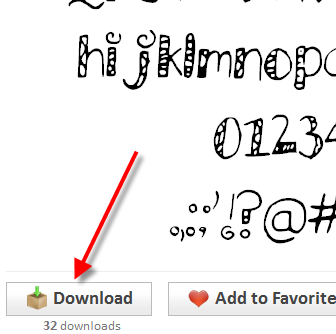
 I clicked on the Download button (be careful here to click the correct arrow because sometimes ads for software slip their download links in and you end up with something you didn’t want – ads are the way fontspace keeps it free)
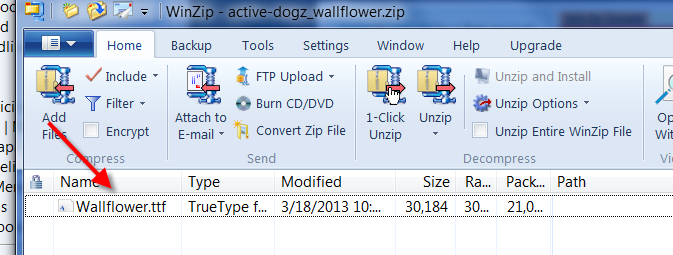
 You font will download as a Zipped file:
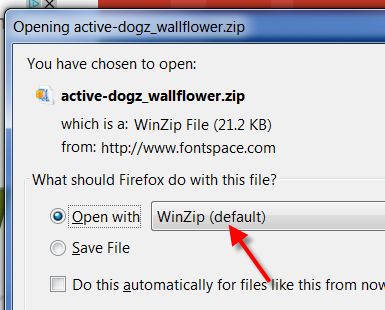 When you see it in the window, double-click on it.
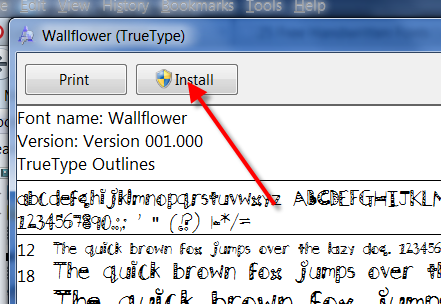
 A page will open with every letter and variation of the font – and if you look at the top, there’s an “Install” button.
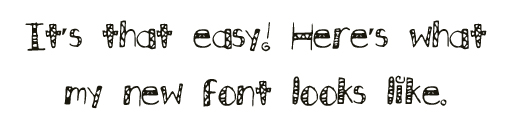
 And, voila! The next time you open a word document or a program like Illustrator, it will be available for you to choose from in your font list!
 Happy Fonting!



 ol bath salts are one of the examples I show in my aromatherapy classes (see the site at
 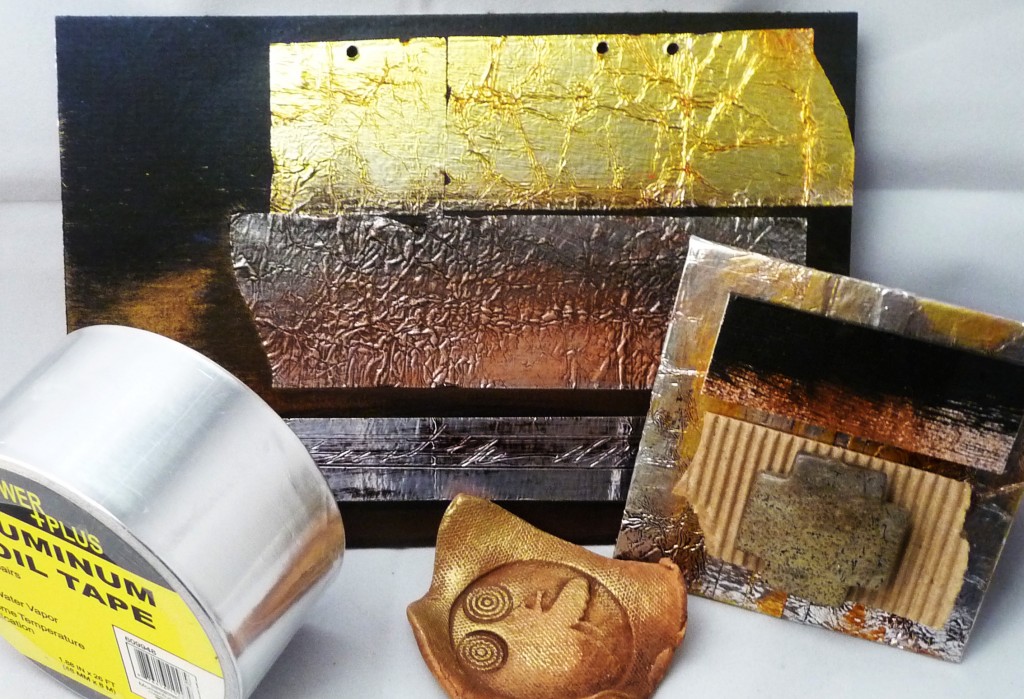 PS The Baby Bee dish is there just cause it looked nice propping up the examples – no foil used in clay – it would vaporize!